How to access related EDMS Documentation
At the top of the EDMS Document tab you will find all documents attached directly to the EAM object that you are working on.
If scrolling further down on the EDMS Document tab it is however also possible to access documentation related to surrounding objects or entities in the system.
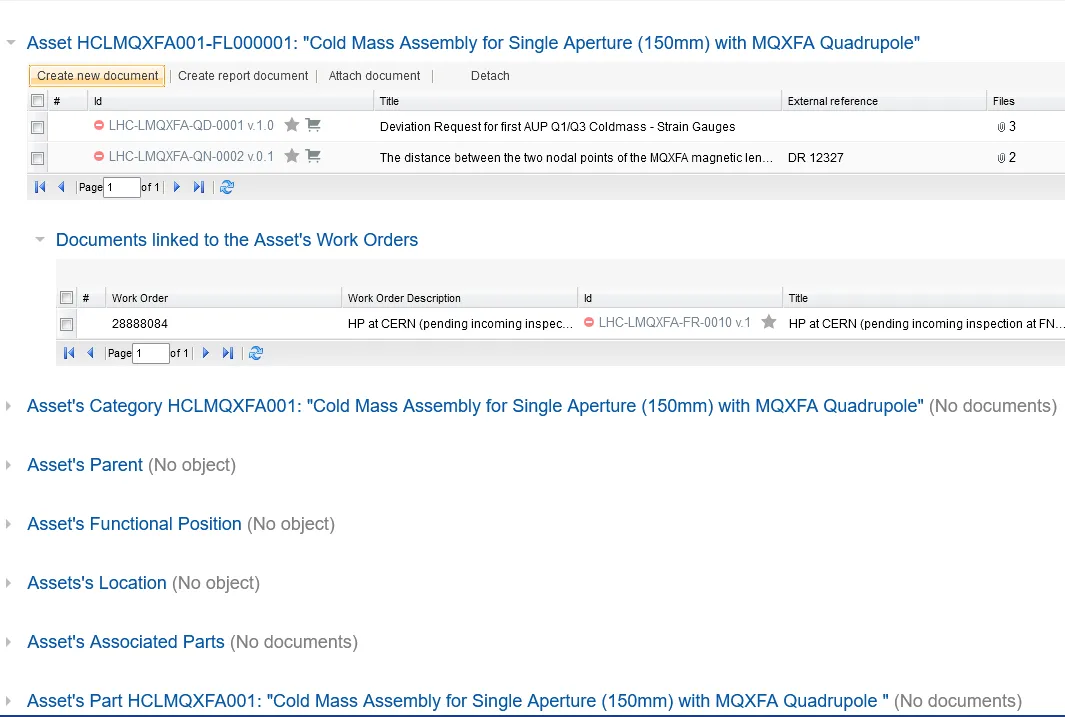
If for example working with an Asset, this allows you to directly access documents attached to its Functional Position, its Parent Asset, Category, Location, or Work Orders.