EAM
The EAM (Enterprise Asset Management) tool (also called ‘EAM extended’ interface) is a complete web-application that provides everything needed for handling an equipment lifecycle.
From the manufacturing steps processes to the disposal of an equipment, everything can be created and managed inside EAM.
One of the many options available in EAM is the possibility to create preventive maintenance work-order plans in order to increase availability by reducing the likelihood of equipment breakdowns.
EAM is not only a maintenance tool, you will also be able to manage your spare parts in your store, generate new material orders, notify people when a maintenance should be done and enter equipment meters readings.

How to Use It
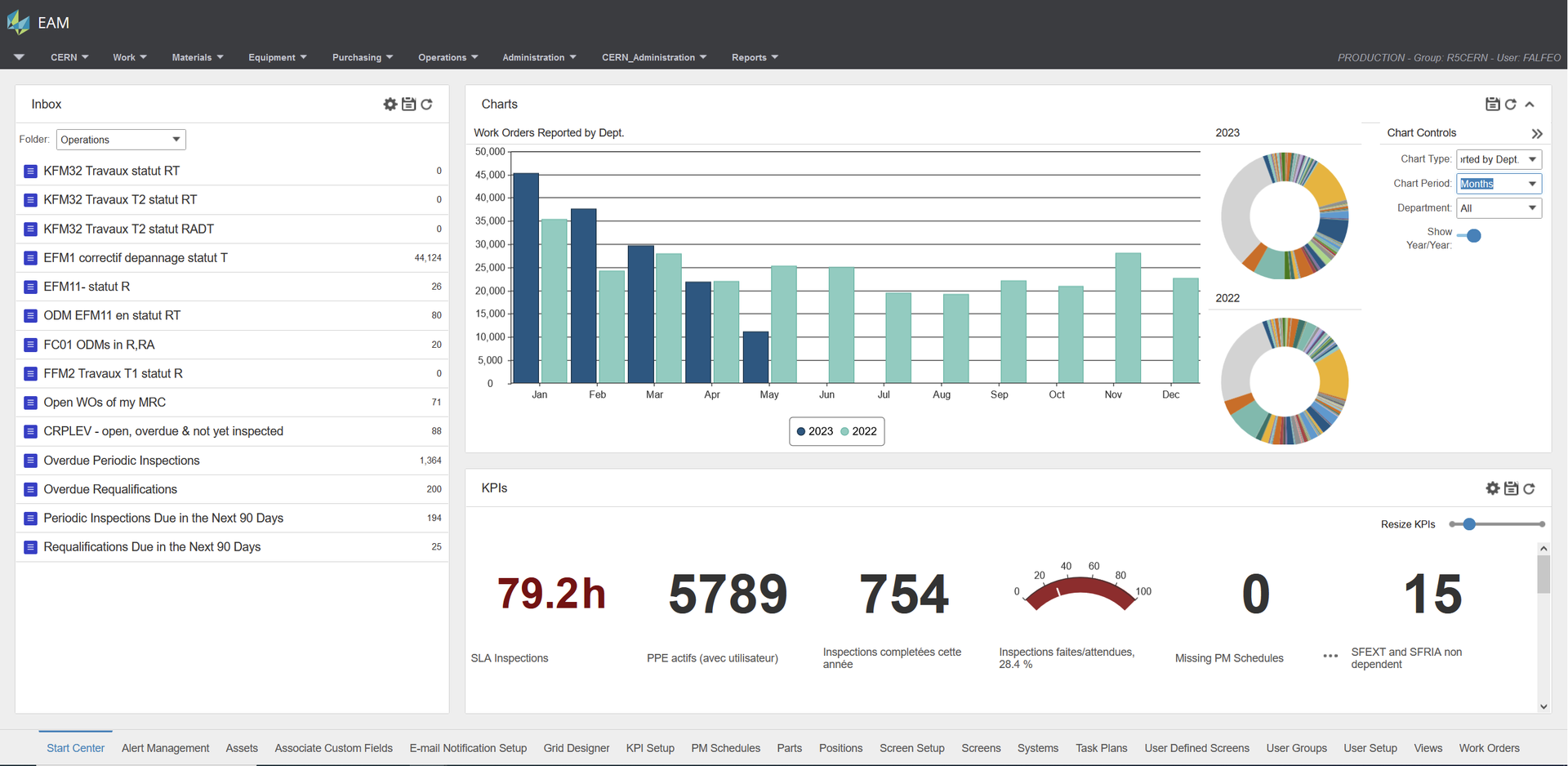
When starting the EAM tool, the user will see the homepage displayed with different or no information. It’s worth noting that the menus are inherited from the user-group that the user belongs to.
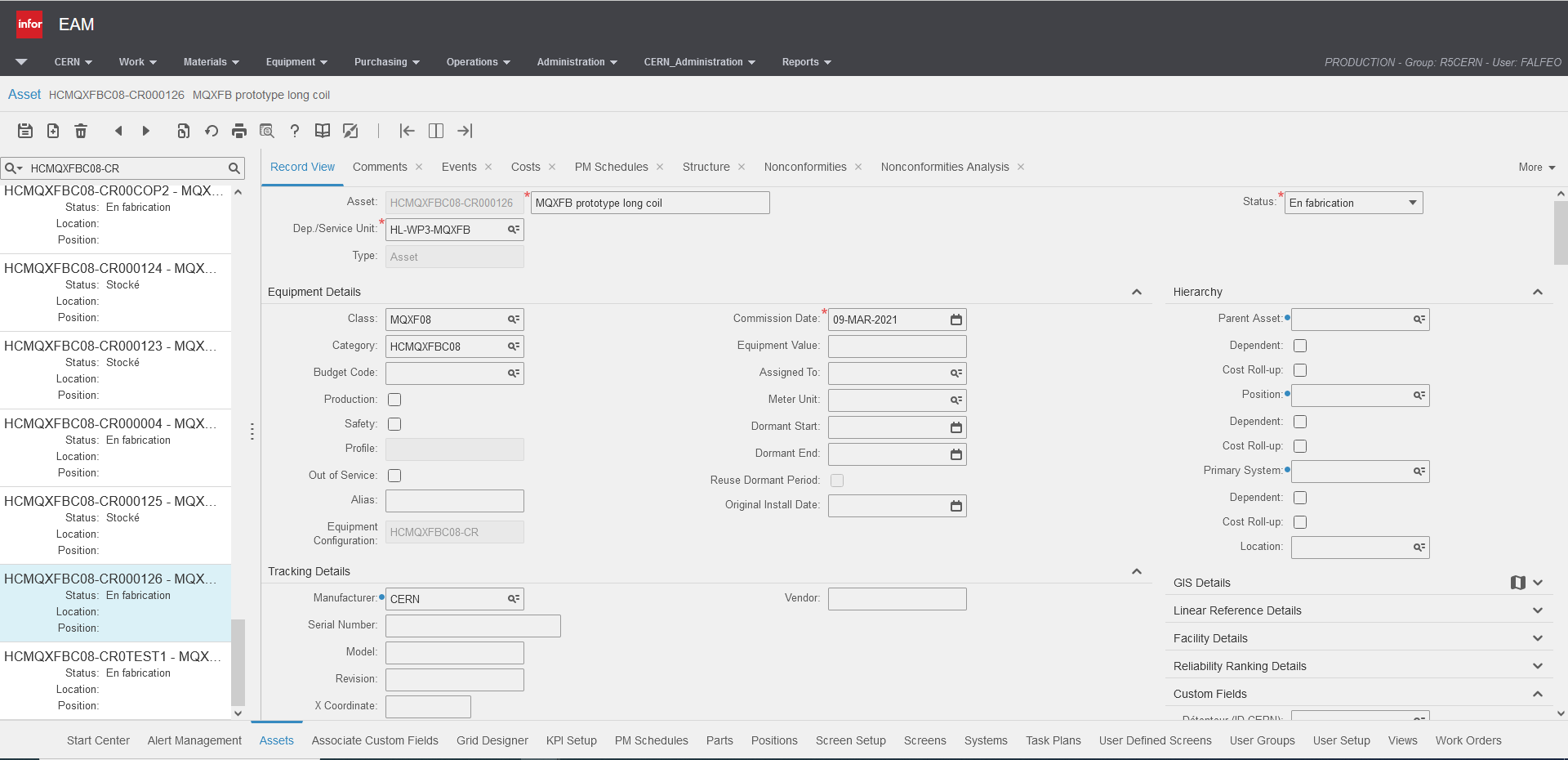
As an example the Asset Page (split view panel) could look something like below.
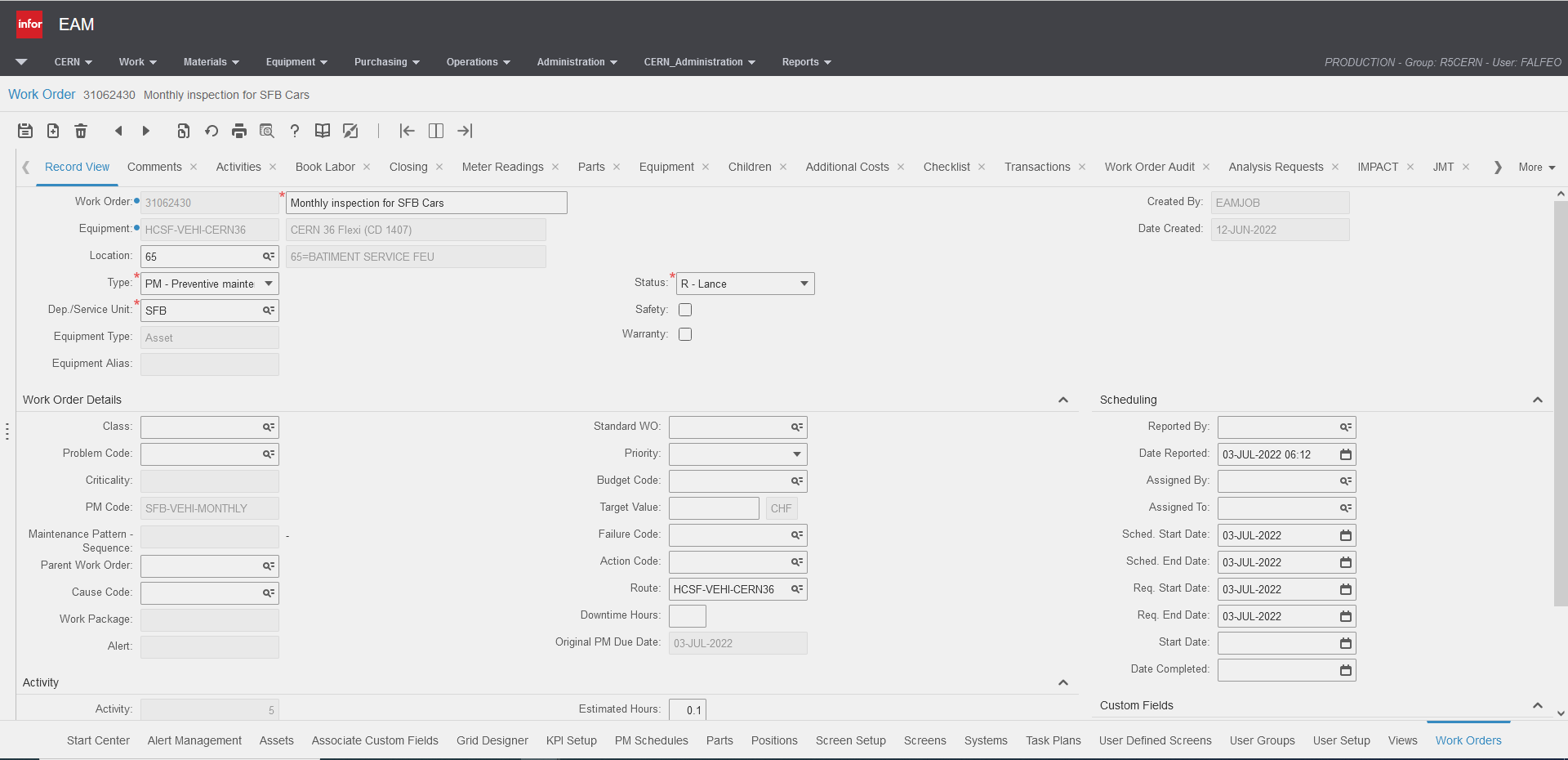
To create or edit Work Orders, the page viewed can also be seen below.