How to associate custom fields to a class in EAM
- Make sure the custom-field and class (for the required entity) exist and note down the codes
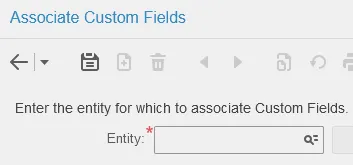
- Go to Administration->Setup->Custom Fields->Associate Custom Fields
- Enter the name of the entity in the drop-down menu as well as the class code
Entity | What |
PART | Part |
EVNT | Work-order |
OBJ | Equipment |
CASE | Logbook |
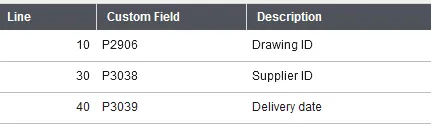
- Select the line where you want the custom-field to appear. We recommend keeping space in between numbers for easier addition (example below)