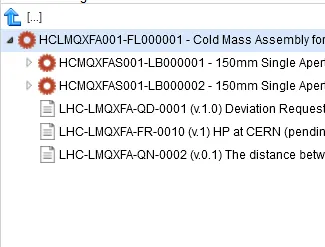
How to find your Documents in the EDMS portal
All documents created in the EDMS Documents tab are physically stored in EDMS and are then linked to your equipment or your Work Order.
In order to find it in EDMS, you can use the standard search on the EDMS Portal (https://edms.cern.ch) page by for example using the EDMS document number or the document description.
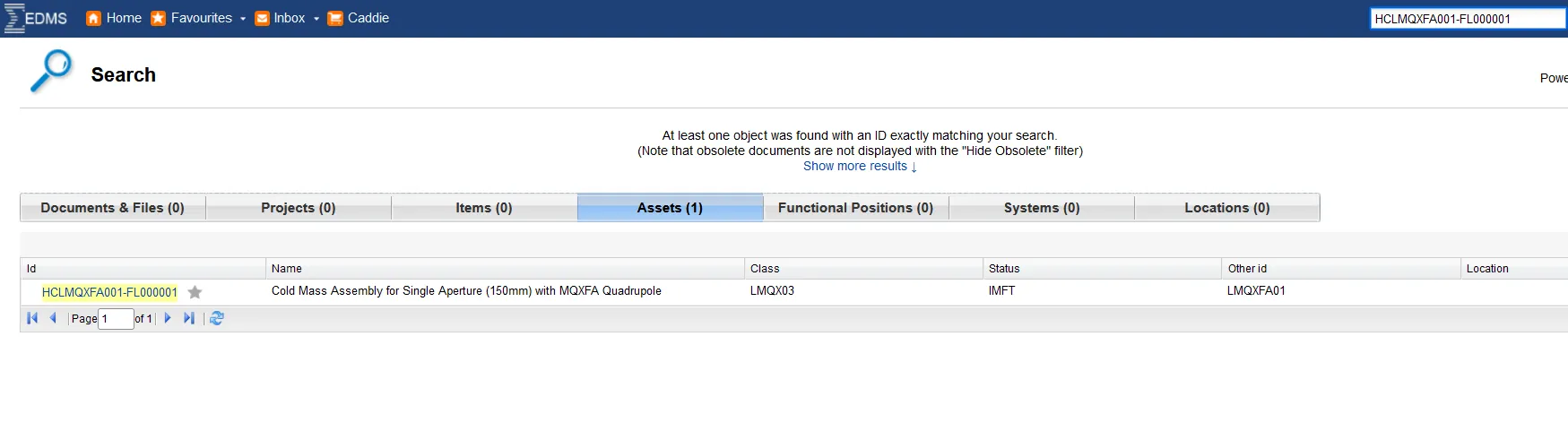
From the EDMS Document page, you can also easily see to which equipment it is attached. Please note that one single document can be attached to several pieces of equipment.