Tag: functionality
-
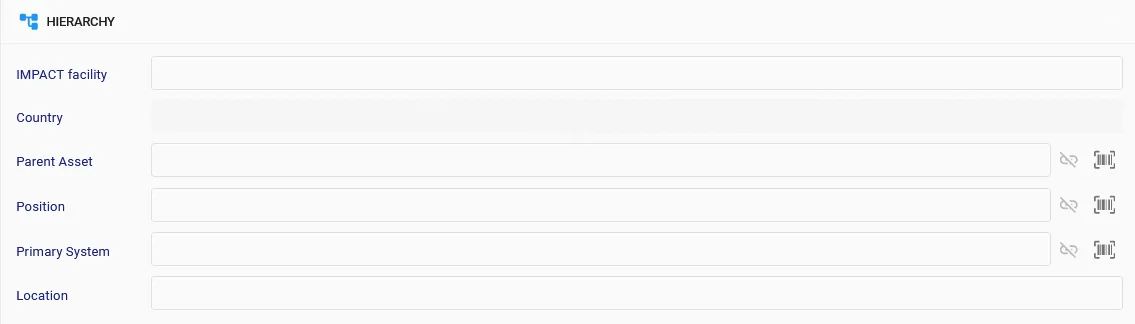
Structure manipulations in EAM Light
Structure manipulations in EAM Light It is possible to manipulate equipment structure in EAM Light in several ways: 1) Using the record view of the equipment – here an example for parents of an asset: Only one of the parents (asset, position or primary system) can be ‘dependent’ and only one Asset can be a
-
Equipment Configuration
Equipment Configuration Description How to use the equipment configuration functionality in EAM Doc publication date 2017-10-29 Document link https://edms.cern.ch/document/1611992
-
Equipment Rental
Equipment Rental Description Explains the use and configuration of the equipment rental functionality in EAM. Doc publication date 2017-01-30 Document link https://edms.cern.ch/document/1580358
-
Campaigns
Campaigns Description This document explains the use of the campaign's functionality in EAM. Doc publication date 2019-03-21 Document link https://edms.cern.ch/document/1698395
-
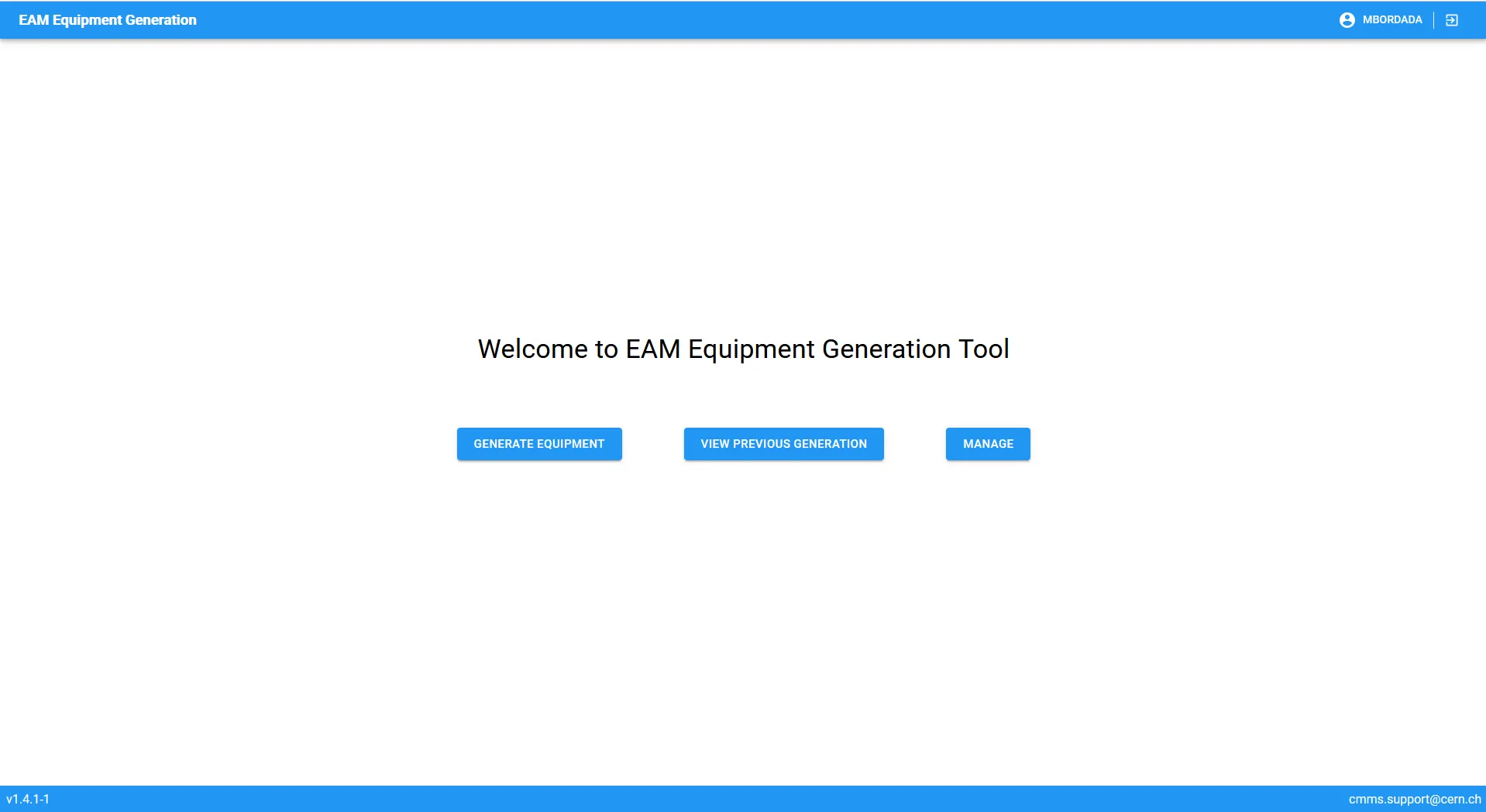
Equipment Generator
Equipment Generator Description long While an equipment is unique, you might want to do many versions of that same type of equipment, like the same type of superconducting magnet, or a power converter of a specific manufacturer. In case you’d like to create many of these equipment, it might be difficult to do it one
-
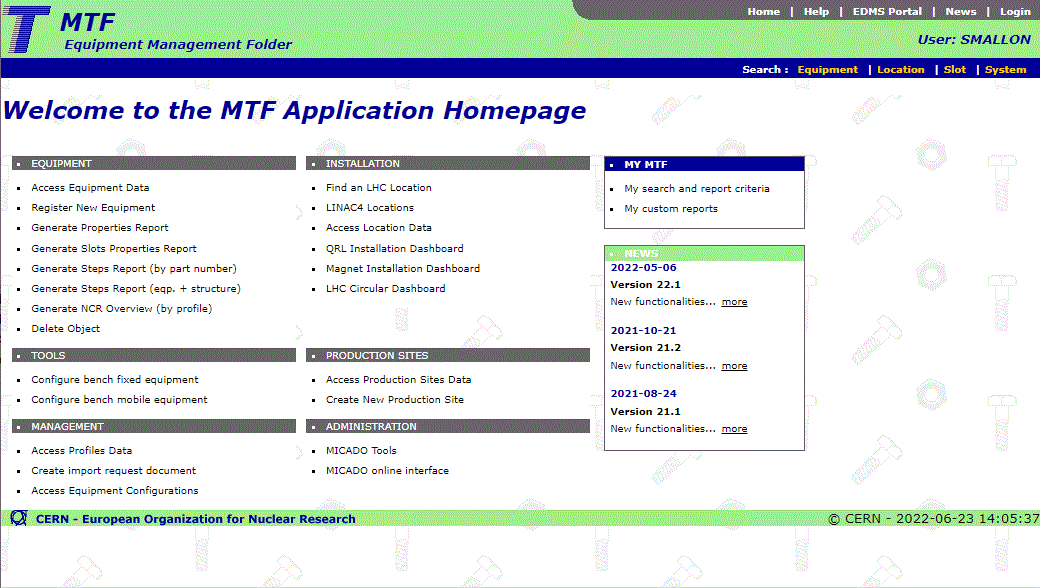
MTF
MTF MTF stands for Equipment Management Folder, formerly Manufacturing and Test Folder. MTF (also known as Traveller) started as a project to follow-up the manufacturing process of LHC dipoles’ cold masses. Then it extended to other LHC activity domains and now it is used by many CERN groups to follow the manufacturing workflow of different
-
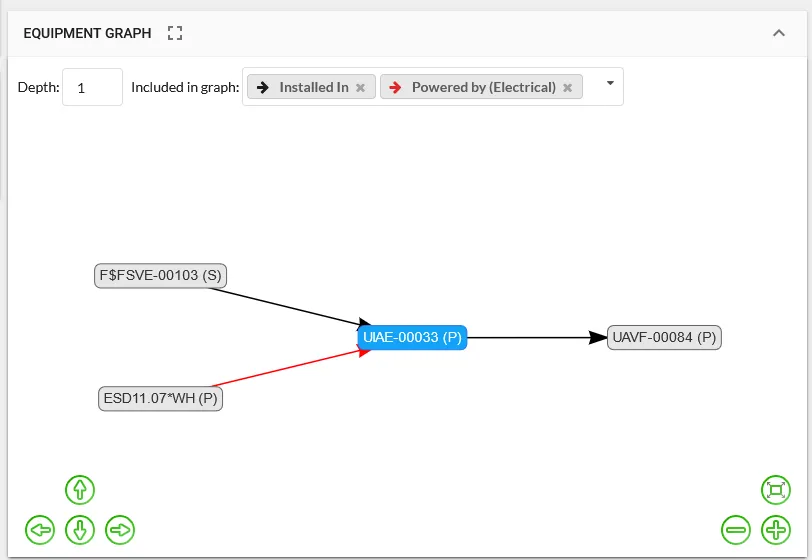
EAM Equipment Graph
EAM Equipment Graph Description long Your equipment might have a lot of connections to other equipment you have in EAM. Some connections might be more than just hierarchy. What if the system is connected to an electrical system of a building? What if the cooling system of an equipment is shared with another equipment? Mapping
-
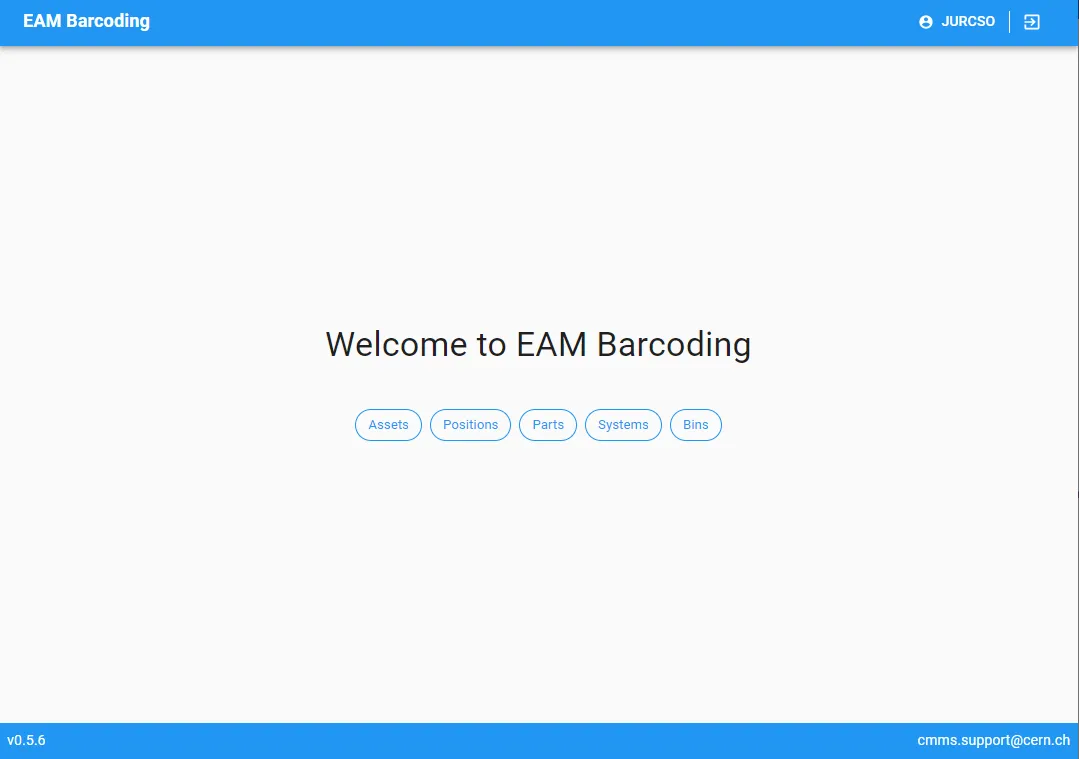
EAM Barcode Printing
EAM Barcode Printing The barcoding interface allows to print standard and customized labels based on the EAM data of equipment, position, systems, parts and bins to networked label printers. The list of available printers and templates are configured on the EAM user group level. The service provides a large selection of templates with QR and
-
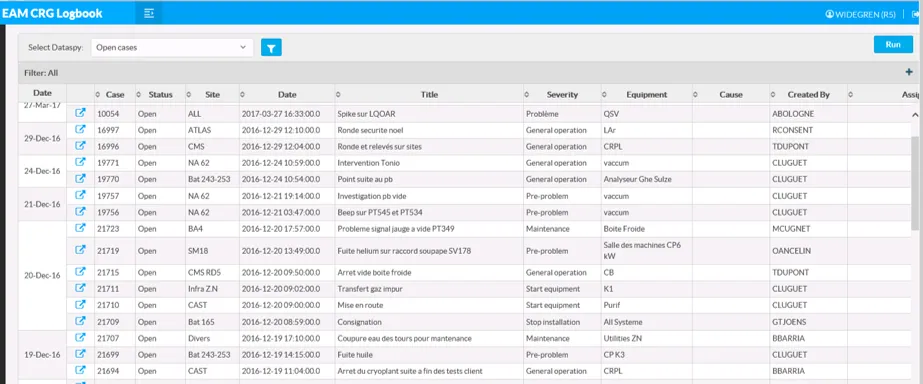
EAM Logbook
EAM Logbook EAM LogBook is a CERN-developed web interface quick access and recording of an operational logbook. The application is fully based on the case management functionality in Infor EAM and can be access via computer or a mobile device such as a tablet or smartphone. Each entry on the Logbook is a light-weight work-order
-
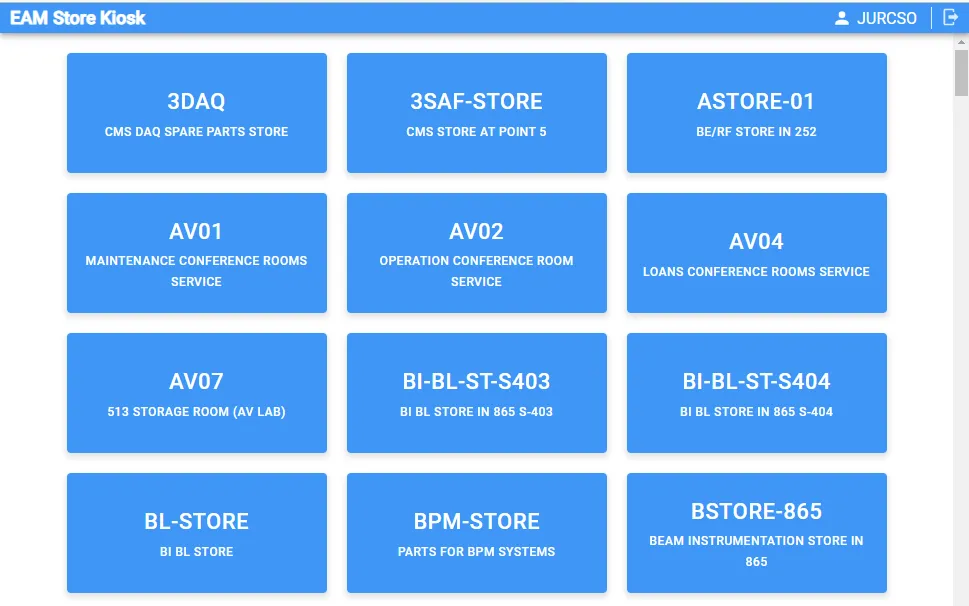
EAM Store Kiosk
EAM Store Kiosk The EAM Kiosk provides a simple interface for stock transactions in EAM managed stores, like the self service checkout in a supermarket. This includes issue of parts and equipment to work orders, equipment and employee. For managed store locations the inbound (based on EDH Transport request) and outbound (request) functionality is also