Tag: kiosk
-
Managing Spare Equipment and Spare Parts
Managing Spare Equipment and Spare Parts Description How to manage spare equipment and spare parts using the Kiosk interface and EAM. Doc publication date 2019-09-17 Document link https://edms.cern.ch/document/2211969
-
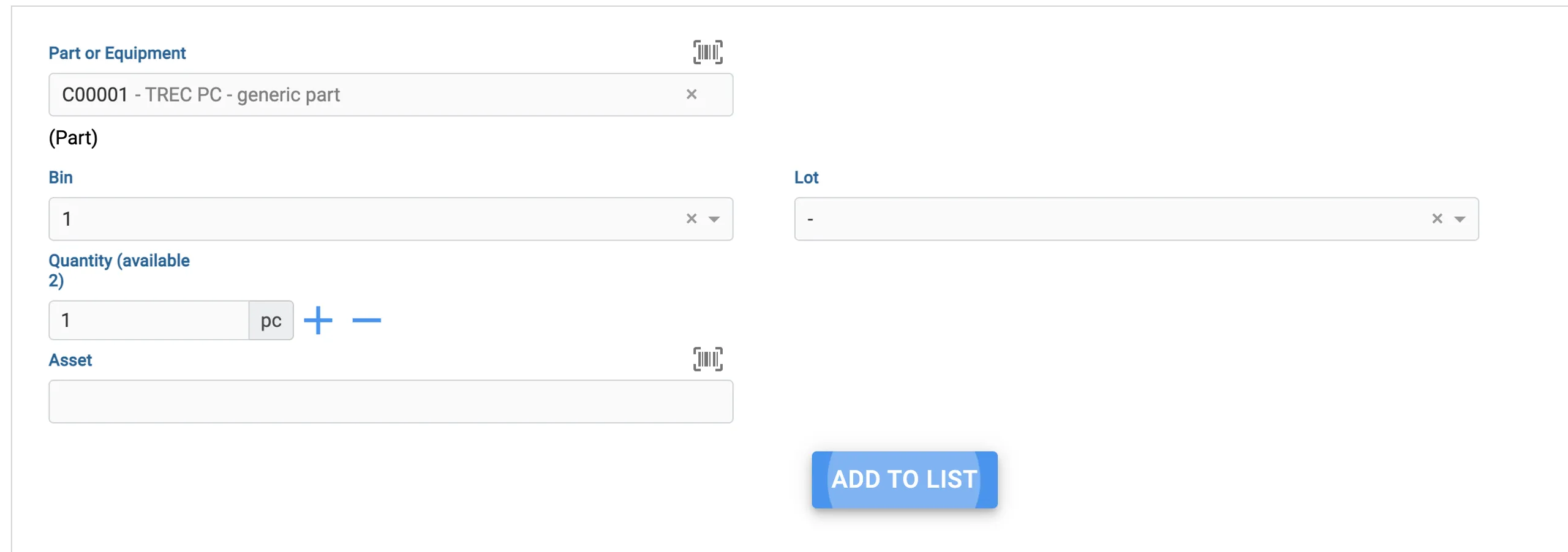
How should I use Lots (including in EAM Kiosk)
How should I use Lots (including in EAM Kiosk) Lots are used to keep track of specific batches of equipment or parts that you order. Let's say you ordered 10 pallets of hinges, from different manufacturers. You can create a Lot in EAM that denotes such lot code from the manufacturer and then add it
-
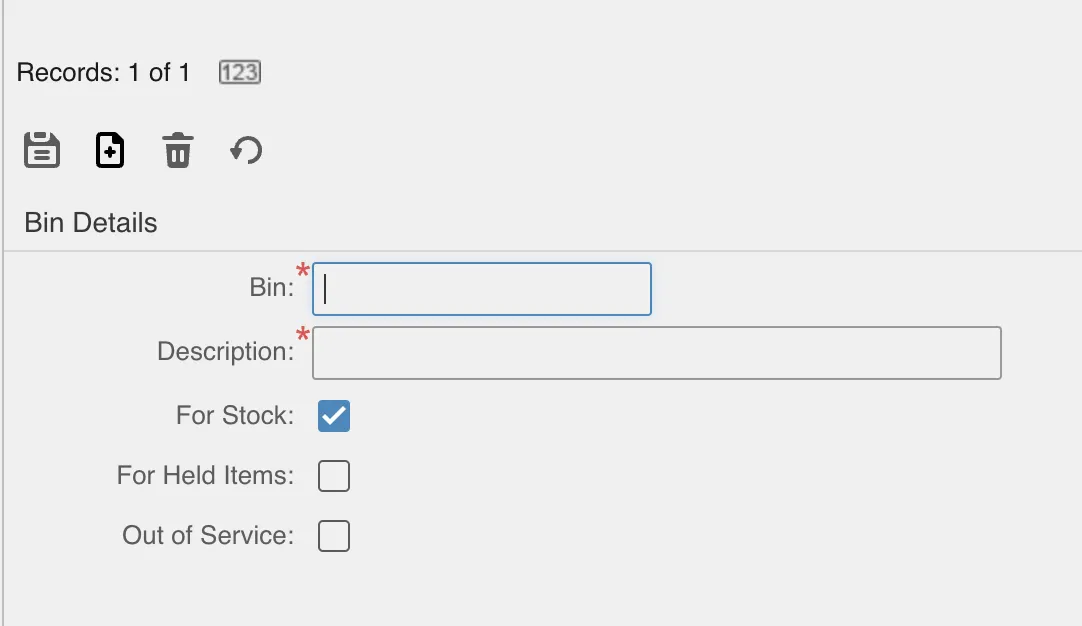
How to create Bins on your own Store
How to create Bins on your own Store Bins are an integral part of the Store. They denote the specific location inside a building where your parts or equipment should be. We recommend not only having a good simple naming convention for the Bins, but also printing barcodes so you can scan them quickly with
-

How to scan for your Equipment instead of typing their Code
How to scan for your Equipment instead of typing their Code There are two very good options to avoid having to type the codes for parts, equipment or bins: Use your phone The icon above lets you use the camera of your device to scan a barcode or QR code. Note that the QR Codes
-

How to issue and return Parts/Assets
How to issue and return Parts/Assets There are two main types of transactions you can do in your store: The moto should be: Issue out, Return in. Make sure to do these with a Barcode scanner or using your phone with QR code stickers attached to the bins and/or equipment. You can do transactions to
-
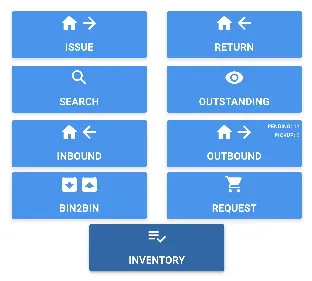
How to fix your Inventory without single Bin to Bin transactions
How to fix your Inventory without single Bin to Bin transactions You might encounter a situation where the inventory of your store is not properly updated anymore. This makes it very cumbersome to re-do the inventory, with you perhaps relying on a lot of issues and returns, as well as bin to bin transactions, and
-
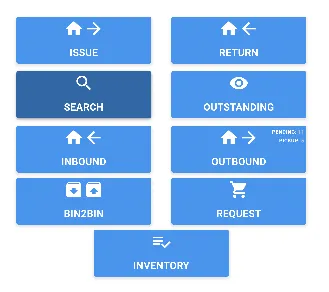
How to search for the Equipment/Parts you have in Stock
How to search for the Equipment/Parts you have in Stock You can head to EAM Store Kiosk and click on the Search button to get all of your Equipment and Parts in Stock. You will get a list of all Assets and Parts and you can even select one or many to do an Issue
-
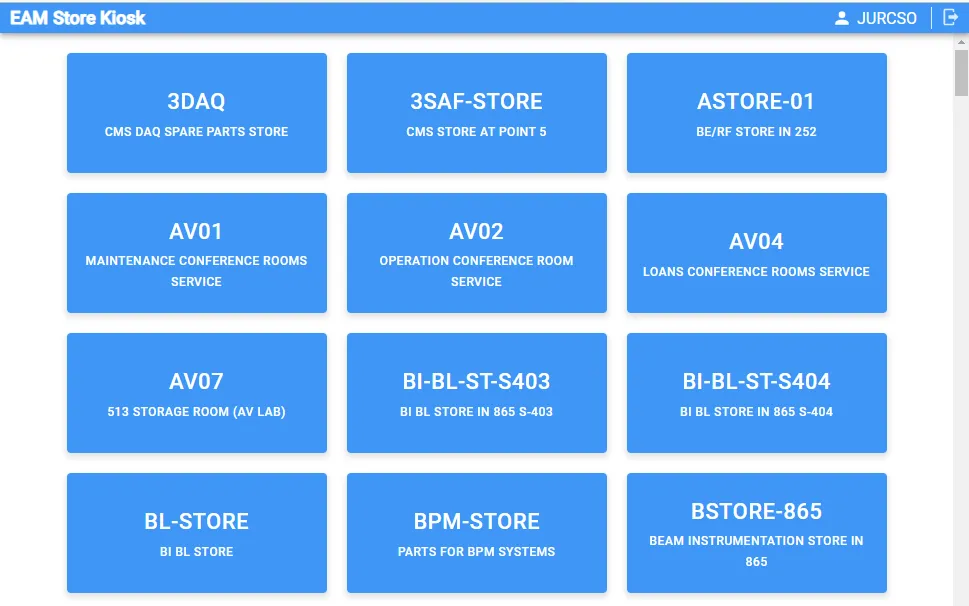
EAM Store Kiosk
EAM Store Kiosk The EAM Kiosk provides a simple interface for stock transactions in EAM managed stores, like the self service checkout in a supermarket. This includes issue of parts and equipment to work orders, equipment and employee. For managed store locations the inbound (based on EDH Transport request) and outbound (request) functionality is also