Tag: tool
-
EAM
EAM The EAM (Enterprise Asset Management) tool (also called ‘EAM extended’ interface) is a complete web-application that provides everything needed for handling an equipment lifecycle. From the manufacturing steps processes to the disposal of an equipment, everything can be created and managed inside EAM. One of the many options available in EAM is the possibility to create preventive
-
Important Concepts in Asset and Maintenance Management
Important Concepts in Asset and Maintenance Management Description This document explains briefly the main concepts that are required for using AMM tools at CERN efficiently. Doc publication date 2017-03-07 Document link https://edms.cern.ch/document/1722460/0.22
-
Spare Part Management
Spare Part Management This Training Course Module allows its users to recall of the previously learned concepts, and understand new concepts of Asset Management such as Spare Part Workflows. These Spare Part Workflows are then demonstrated and practiced. This course includes topics such as: Objectives: After attending this course, the user will be able to:
-
Work Management
Work Management In this Training Course Module, the Work Management principles and workflows are demonstrated and practiced. The course explains the Work Order workflow, introduces different options to enhance Work Orders and demonstrates methods for creating and managing large numbers of Work Orders. The course includes topics such as: Objectives: After following this course, the
-
Introduction & Asset Management
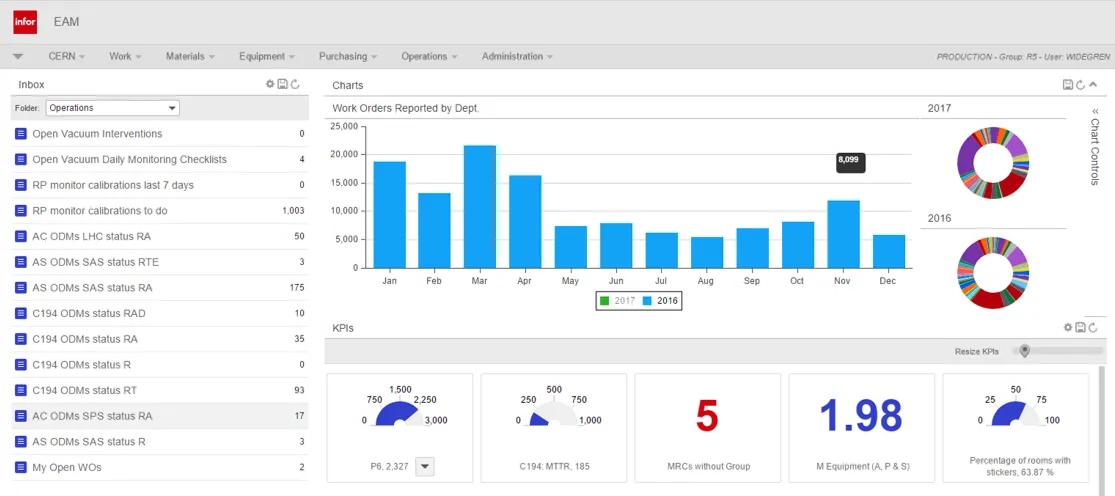
Introduction & Asset Management This Training Course Module introduces its user to CERN’s Asset and Maintenance Management Tools. Common Asset Management Operations are demonstrated and practiced. This course will cover the following topics: Example of Asset Management using EAM Objectives After attending this course, the user will be able to: Practical Information Duration: 1/2 day
-
How should I use Lots (including in EAM Kiosk)
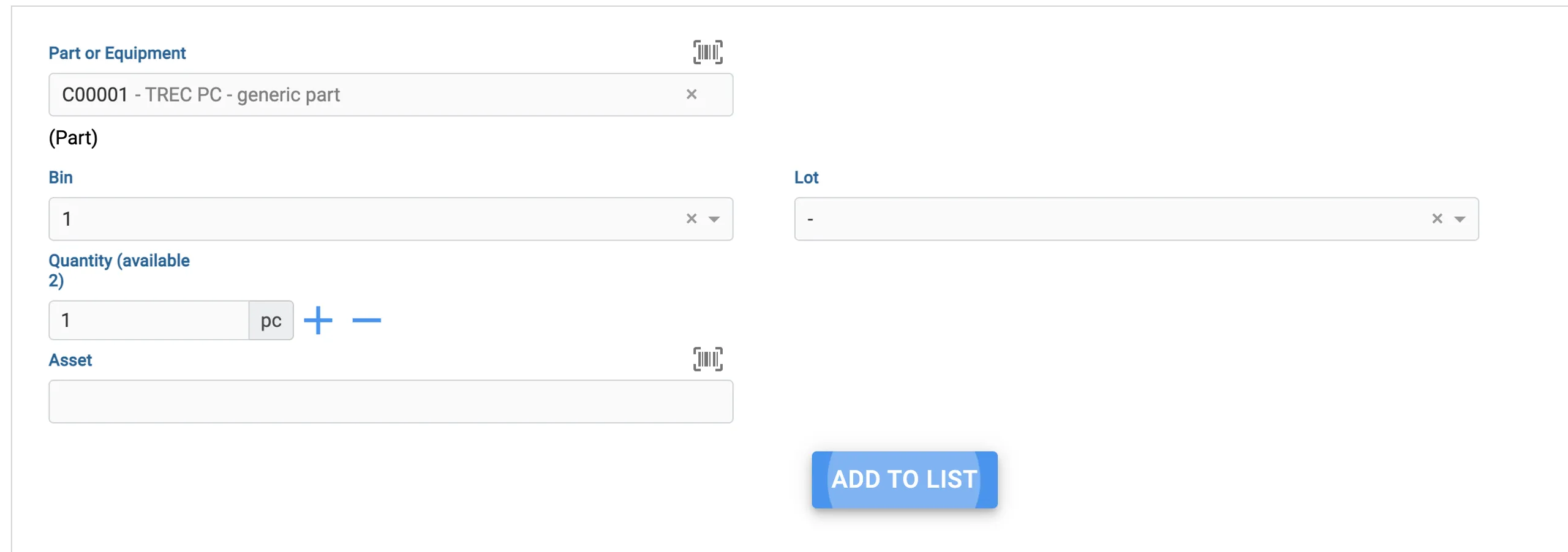
How should I use Lots (including in EAM Kiosk) Lots are used to keep track of specific batches of equipment or parts that you order. Let's say you ordered 10 pallets of hinges, from different manufacturers. You can create a Lot in EAM that denotes such lot code from the manufacturer and then add it
-
Track-it
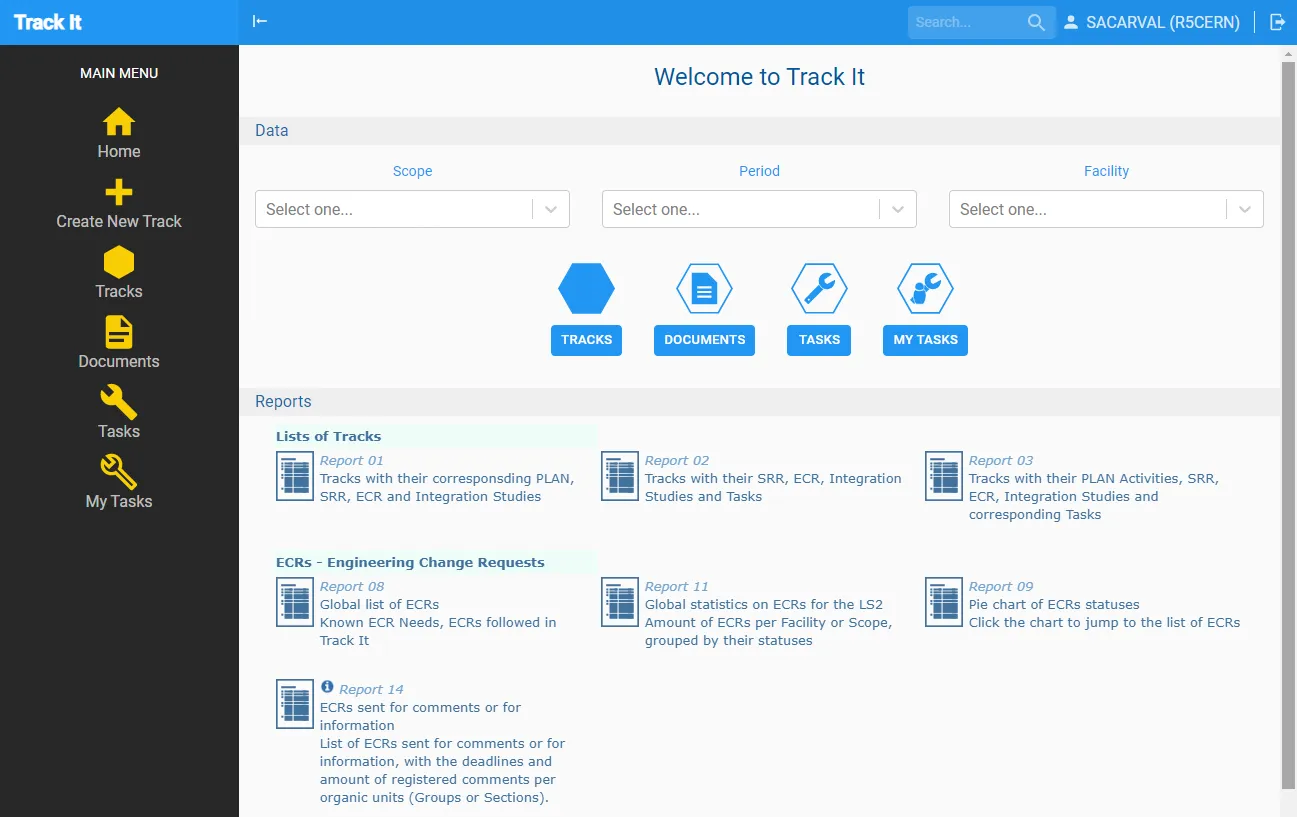
Track-it Track It is an online tool designed to track activities, to list what is needed to have in order to complete them, to manage corresponding tasks, to keep comments and notes along their lives, to link and aggregate information available from other systems. It also aims at facilitating communication and sharing information among teams.
-
TREC
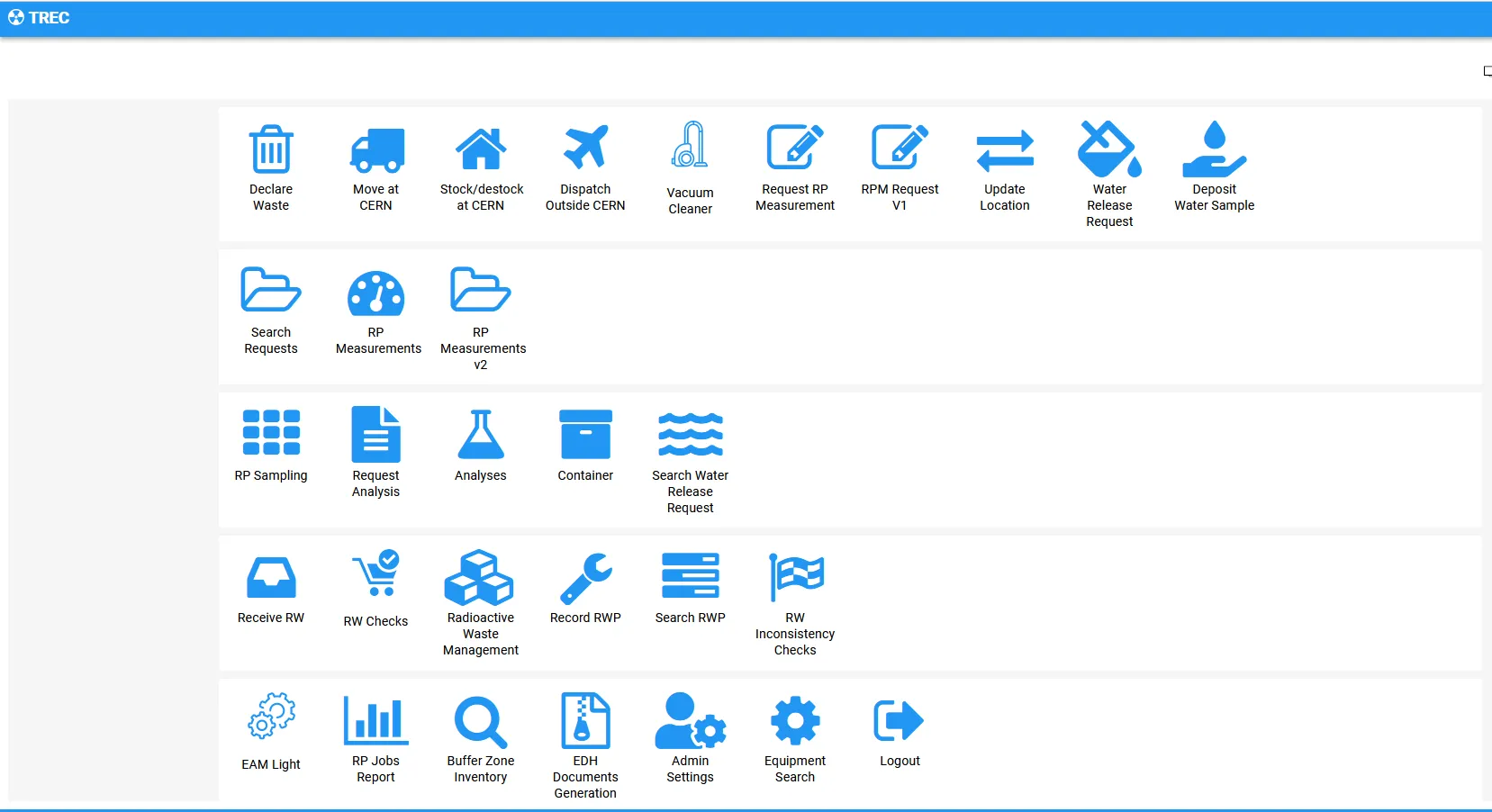
TREC TREC is a dedicated web application for all processes required for the traceability of potentially radioactive objects. The basic functionalities cover requesting, performing and managing of measurements as well as declaring, transporting, packaging, storing, processing and managing of radioactive waste via interfaces for end users and for experts. Further functionalities of TREC comprise the
-
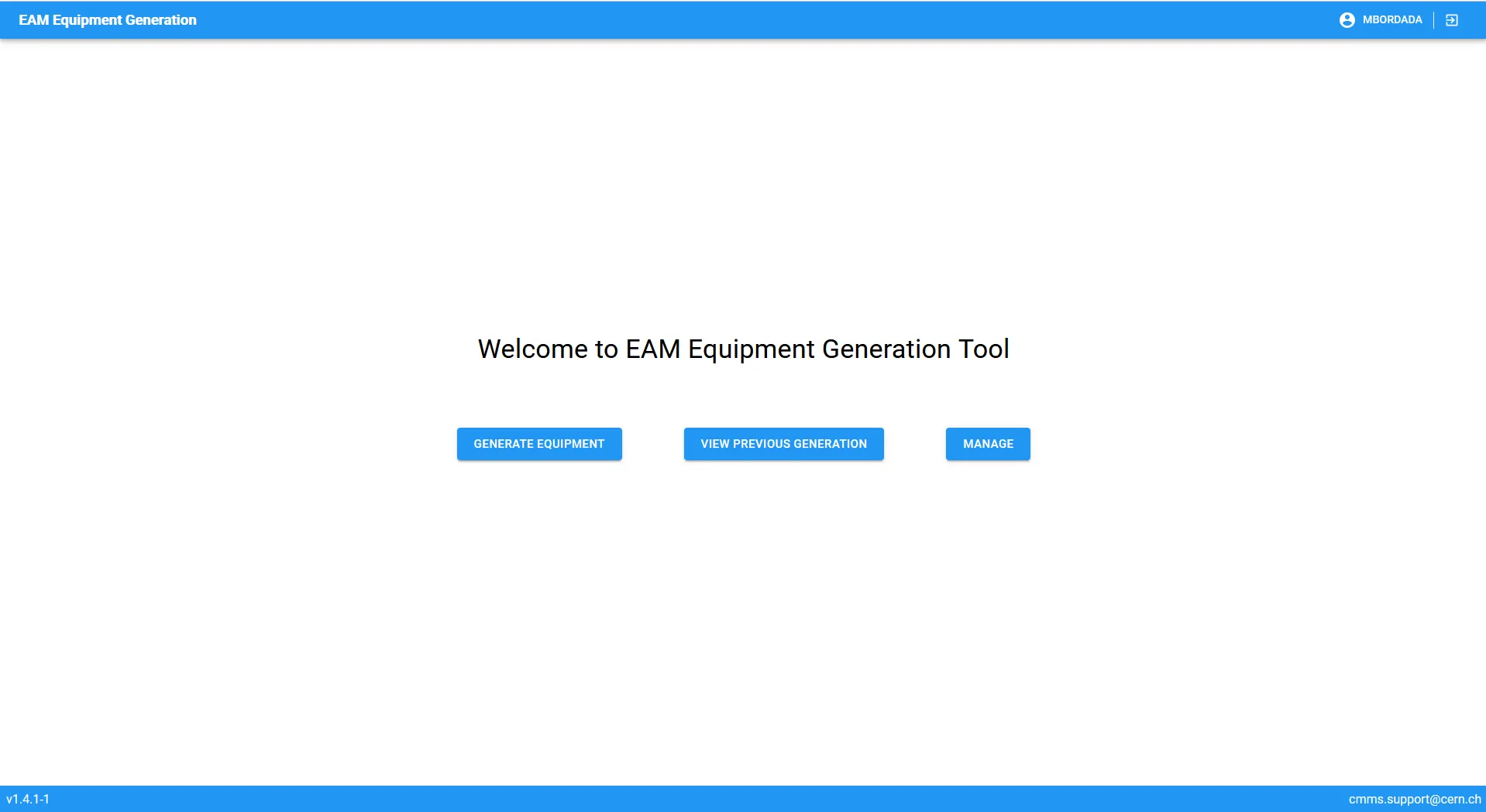
Equipment Generator
Equipment Generator Description long While an equipment is unique, you might want to do many versions of that same type of equipment, like the same type of superconducting magnet, or a power converter of a specific manufacturer. In case you’d like to create many of these equipment, it might be difficult to do it one
-
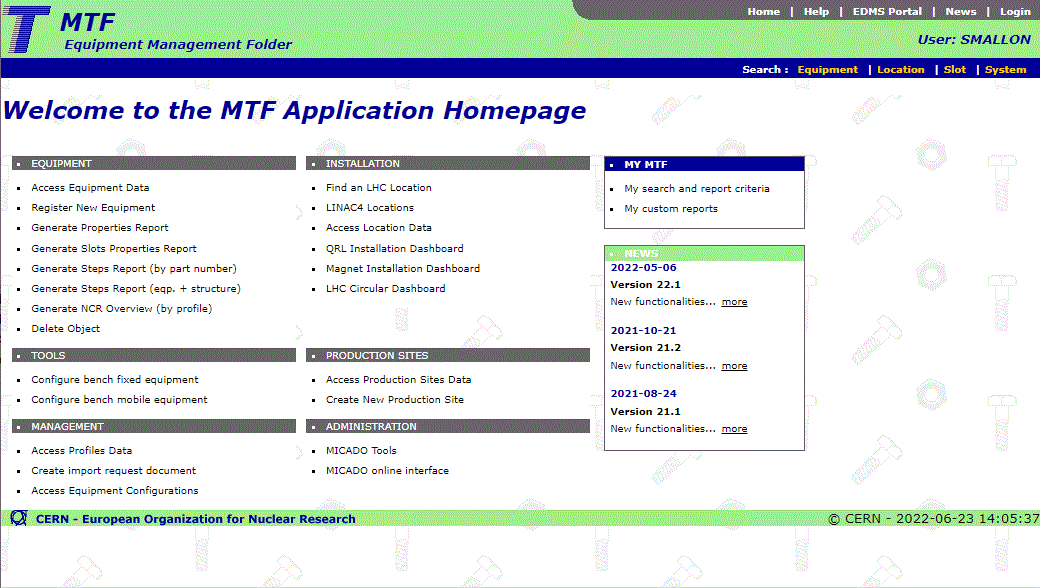
MTF
MTF MTF stands for Equipment Management Folder, formerly Manufacturing and Test Folder. MTF (also known as Traveller) started as a project to follow-up the manufacturing process of LHC dipoles’ cold masses. Then it extended to other LHC activity domains and now it is used by many CERN groups to follow the manufacturing workflow of different