What is the EDMS Document’s Tab
The EDMS document tab is available directly from our normal screens in EAM. This tab allows you to consult existing documentation as well as creating, attaching or detaching EDMS documents directly from the corresponding object.
EDMS documents can currently be attached to:
- Assets
- Positions
- Systems
- Locations
- Parts
- PM Schedules
- Categories
- Work Orders
This functionality allows easy access to user manuals, photos of a particular piece of equipment or a detailed test report attached to a Work Order.
Please note that CDD (CERN Drawing Directory) is an integral part of EDMS which means that any existing drawing also easily can be attached the corresponding equipment in EAM.
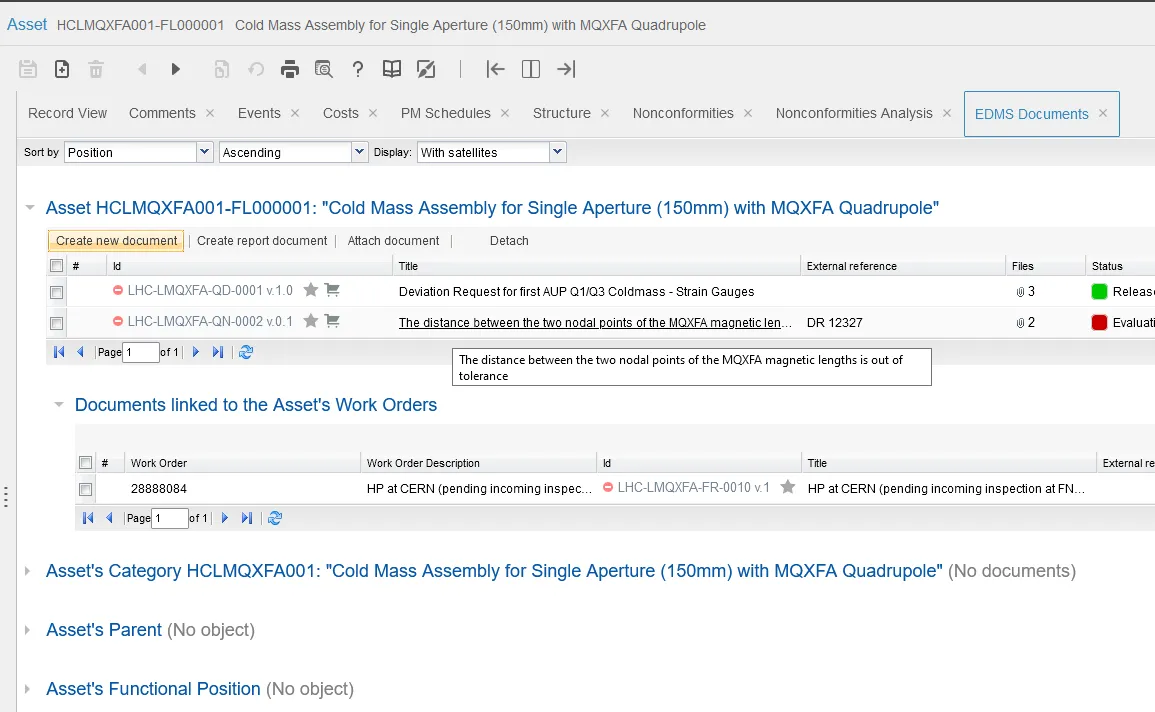
If you upload documents of the type "Illustration/Picture", the latest image uploaded will be shown as a thumbnail image in the EDMS Document tab.
The EDMS Documents Tab is also available in EAM Light, with a more modern interface, allowing you to drag and drop files in this place.