Tag: eam
-
What are the Blue Dot Shortcuts in EAM
What are the Blue Dot Shortcuts in EAM Blue dots next to fields in EAM indicate that a shortcut to another page is available when double clicking the field. The shortcuts can either point to an input mask for a new record or they open an alternative lookup. Blue dot shortcuts can be added by
-
What is the Accessibility Mode in EAM
What is the Accessibility Mode in EAM For blind users and for users with visual impairment the EAM user interface can be configured in a mode that is adapted for the use with screen readers. In this mode, there are no graphical elements and no menu bar, the menu functions like save, duplicate, delete etc.
-
Infor EAM GIS
Infor EAM GIS Description Infor EAM GIS Doc publication date 2021-09-13 Document link https://edms.cern.ch/ui/file/1724272/11.7/Infor_EAM_GIS.pdf
-
Infor EAM Nonconformities
Infor EAM Nonconformities Description Infor EAM Nonconformities Doc publication date 2021-01-22 Document link https://edms.cern.ch/ui/file/1830404/11.7/Infor_EAM_Nonconformities.pdf
-
Infor EAM Workspaces
Infor EAM Workspaces Description Infor EAM Workspaces Doc publication date 2021-03-01 Document link https://edms.cern.ch/ui/file/1724310/11.7/Infor_EAM_Workspaces.pdf
-
Infor EAM Single Sign-On
Infor EAM Single Sign-On Description Infor EAM Single Sign-On Doc publication date 2021-03-02 Document link https://edms.cern.ch/ui/file/1370716/11.701/Infor_EAM_Single_Sign-On.pdf
-
Infor EAM Reports User Guide
Infor EAM Reports User Guide Description Infor EAM Reports User Guide Doc publication date 2021-09-23 Document link https://edms.cern.ch/file/2008513/11.7/EAMReportsGuide.pdf
-
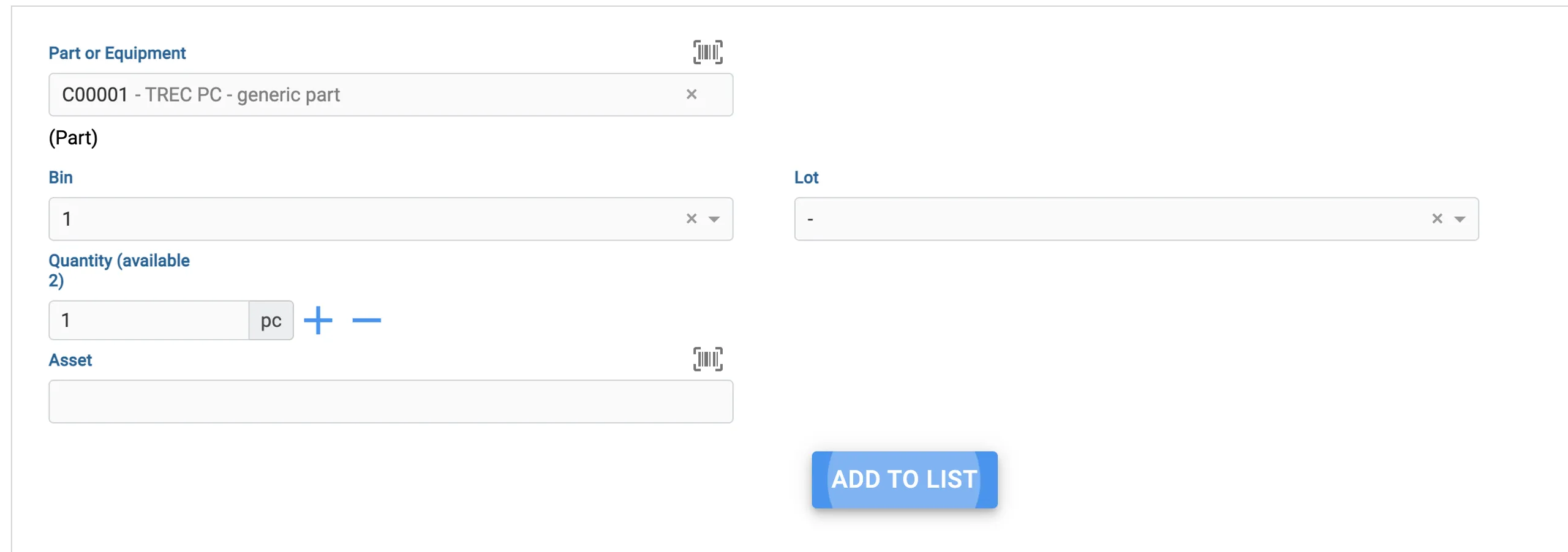
How should I use Lots (including in EAM Kiosk)
How should I use Lots (including in EAM Kiosk) Lots are used to keep track of specific batches of equipment or parts that you order. Let's say you ordered 10 pallets of hinges, from different manufacturers. You can create a Lot in EAM that denotes such lot code from the manufacturer and then add it
-
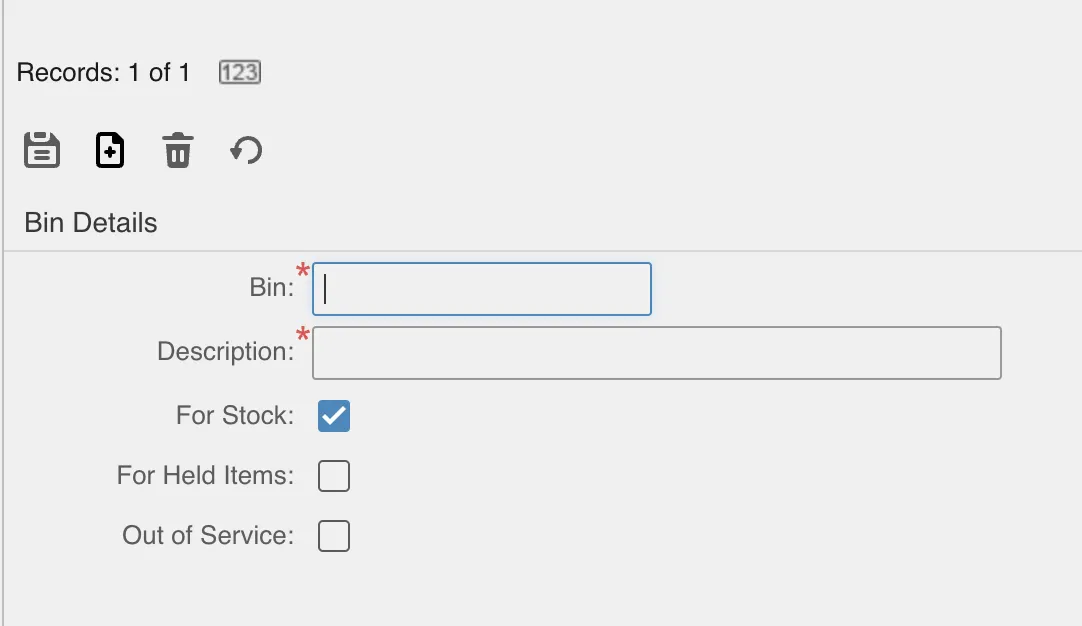
How to create Bins on your own Store
How to create Bins on your own Store Bins are an integral part of the Store. They denote the specific location inside a building where your parts or equipment should be. We recommend not only having a good simple naming convention for the Bins, but also printing barcodes so you can scan them quickly with
-
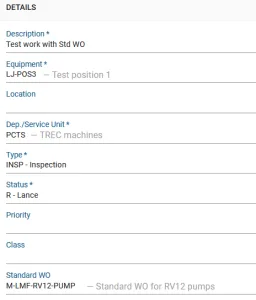
What are EAM Standard Work Orders and how can they be used
What are EAM Standard Work Orders and how can they be used Standard work-orders are templates that can contain several activities. Standard WOs can be of type parent which means that they may have children (other work-orders). Standard work-orders can be used in EAM Light as seen on the picture below: More details can be