Tag: eam
-
How can checklists be used in EAM
How can checklists be used in EAM A checklist is a structured way to ensure that all steps in a procedure are followed. A checklist is linked to a task-plan that can be included on an activity An example of a checklist can be found here: https://edms.cern.ch/ui/file/1887835/0.11/EAM_light_checklist_example_20170829.pdf More details can be found here: https://edms.cern.ch/ui/file/1370215/11.7/Infor_EAM_Checklists.pdf
-
How to Delete or Put Out of Service Equipment in EAM
How to Delete or Put Out of Service Equipment in EAM Equipment that has had no structural changes or work-orders assigned to them can be deleted but otherwise they must be declared out of service or put to status 'D' More details here: https://edms.cern.ch/document/1700107/0.2
-
How do Notifications work in EAM
How do Notifications work in EAM EAM supporters can setup email notifications based on the creation of EAM equipment or work-orders to a predefined list of email addresses (eGroups included). For more complex notifications, Alerts that are typically sent once a day can be setup.
-
How to setup Preventive Maintenance Work Orders with Equipment
How to setup Preventive Maintenance Work Orders with Equipment Using a PM schedule allows EAM to create automatic work-orders for selection EAM equipment. Typical examples include work-orders for lifts and other transport equipment that require maintenance to be done at set intervals. PM schedules can also be configured to the executed following the use of
-
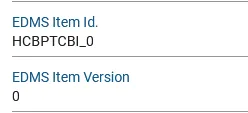
How to link an EDMS Item to an EAM Part and related Assets
How to link an EDMS Item to an EAM Part and related Assets The link from EDMS item to an EAM part is through two user-defined fields "EDMS Item Id" and "EDMS Item Version". As an example the part called "HCBPTCBI_0" (tracked by asset) is configured to link to the item: https://edms.cern.ch/item/HCBPTCBI_0/0 It’s done
-
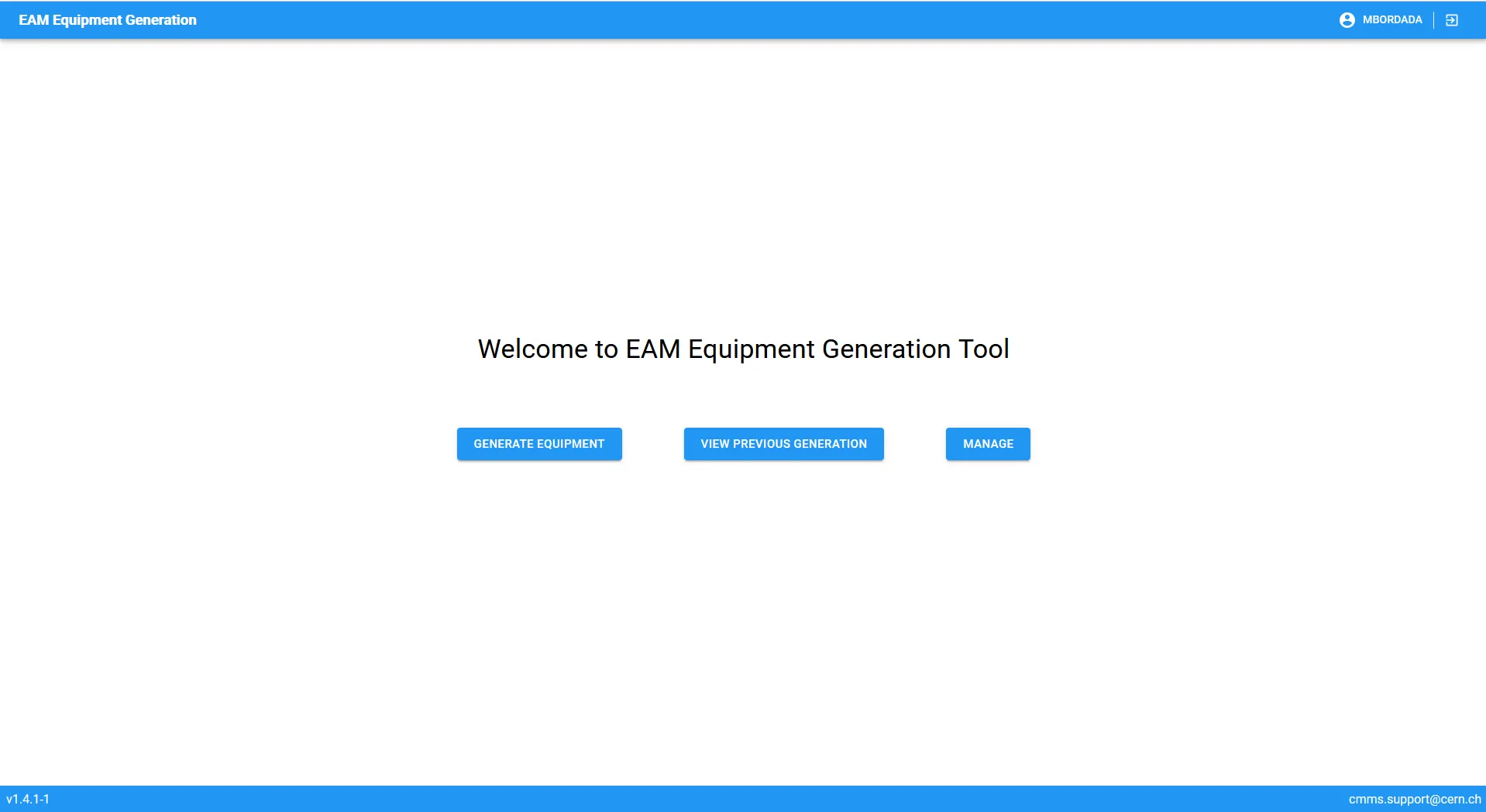
Equipment Generator
Equipment Generator Description long While an equipment is unique, you might want to do many versions of that same type of equipment, like the same type of superconducting magnet, or a power converter of a specific manufacturer. In case you’d like to create many of these equipment, it might be difficult to do it one
-
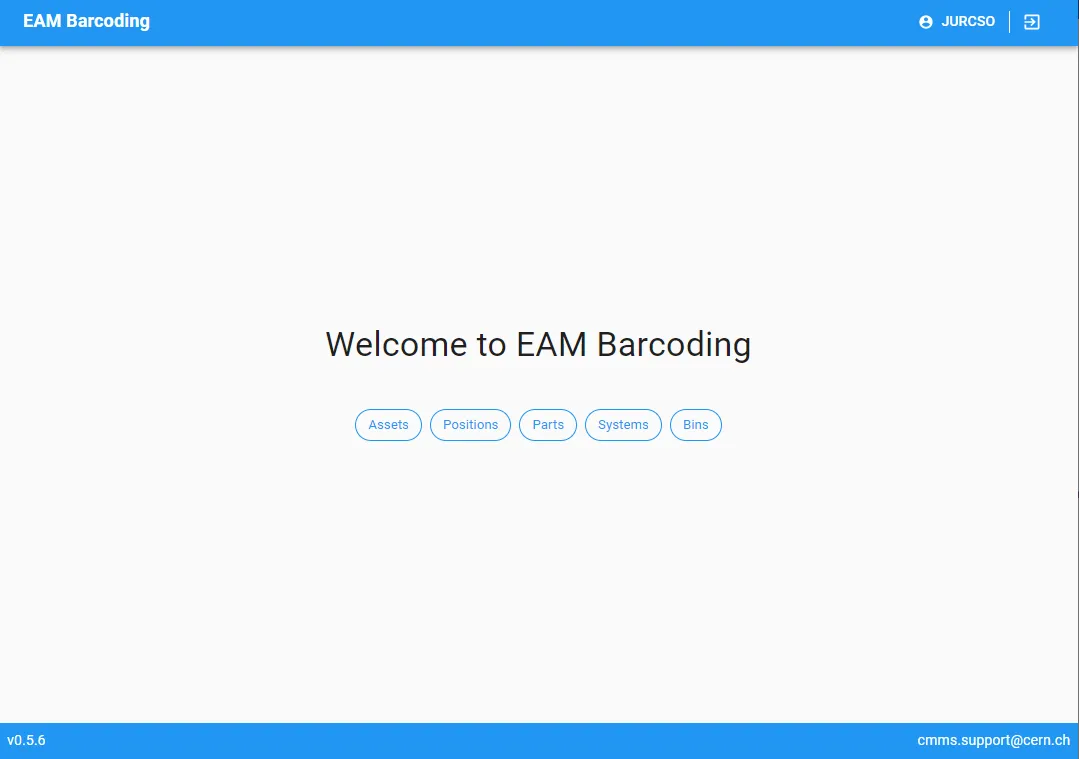
EAM Barcode Printing
EAM Barcode Printing The barcoding interface allows to print standard and customized labels based on the EAM data of equipment, position, systems, parts and bins to networked label printers. The list of available printers and templates are configured on the EAM user group level. The service provides a large selection of templates with QR and
-
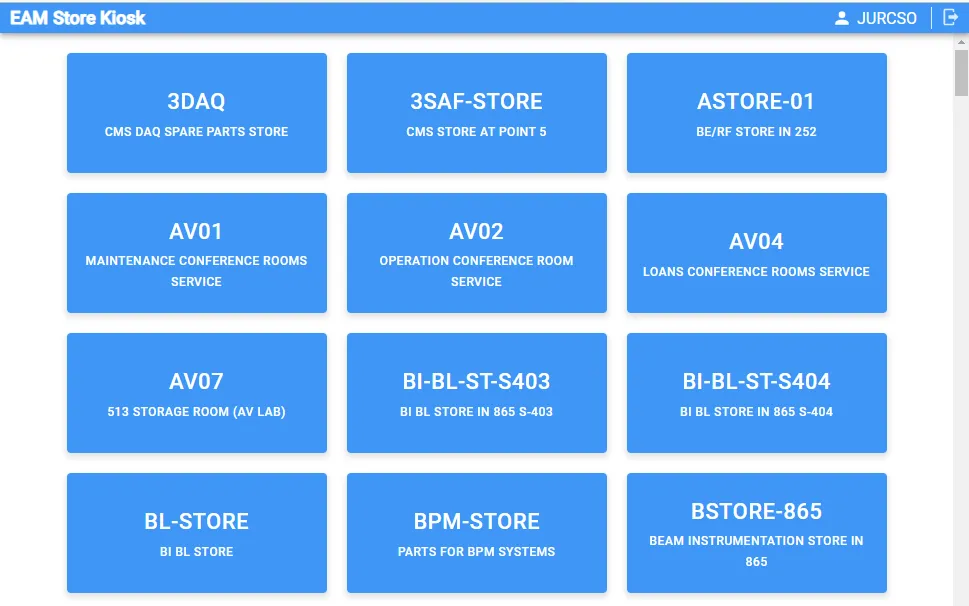
EAM Store Kiosk
EAM Store Kiosk The EAM Kiosk provides a simple interface for stock transactions in EAM managed stores, like the self service checkout in a supermarket. This includes issue of parts and equipment to work orders, equipment and employee. For managed store locations the inbound (based on EDH Transport request) and outbound (request) functionality is also
-
How to use EAM Direct Links
How to use EAM Direct Links You can go directly to certain pages in Infor EAM that link to a specific Asset, Position, System, Location, Work Order or Part, by going to a specific URL that they can format according to you want to access. How to create an EAM direct link? To create a
-
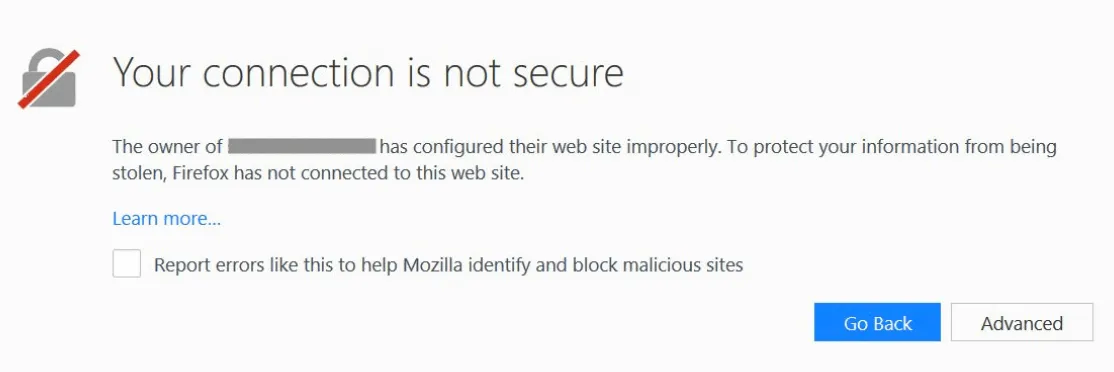
How to fix certificate issues in EAM
How to fix certificate issues in EAM You might have an issue whenever you access the test versions of Infor EAM, EAM Store Kiosk, EAM Light, Equipment Generator or EAM Barcoding, in which you encounter a page mentioning that the connection is not secure. It may closely resemble the following: If this happens, it means